Troubleshooting
Understanding Common Computer Problems at Home
A straightforward guide to the issues that affect most home computers — and how to think about them before calling for help.
When your computer is not behaving the way it should, you do not always need someone in the room. We connect securely to your machine and work through the issue while you watch — no home visit required.

Answer six quick questions and we will give you a realistic assessment of whether your system needs attention.
Each service is delivered through a secure, encrypted remote connection. You see everything happening on your screen in real time.
We examine your system's event logs, running processes, startup programs, and hardware health to build an accurate picture of what is going on before recommending any changes.
Learn moreWe run comprehensive scans using reputable security tools and manually review suspicious entries. The goal is a clean system, not just a passing scan result.
Learn moreSlow computers are usually slow for identifiable reasons. We systematically address the most common culprits: startup bloat, background services, and fragmentation.
Learn moreApplication crashes, installation failures, and licensing errors each follow recognizable patterns. We work through the likely causes methodically until the software behaves as expected.
Learn moreWhether you use Outlook, Thunderbird, Apple Mail, or a webmail client, we can configure your account settings correctly and troubleshoot sending and receiving problems.
Learn morePrinter problems are among the most frustrating issues to troubleshoot on your own. We handle driver reinstalls, spooler errors, and wireless printing setup remotely.
Learn moreSelect the issues you are experiencing and we will suggest possible causes and appropriate next steps.
Select one or more symptoms above to see potential causes and next steps.
The process is straightforward. You remain in control at every step.
Describe the problem through our contact form or by phone. We will ask a few clarifying questions to understand the situation.
We agree on a time that suits you. You will receive brief instructions for how to install the temporary remote access client.
We connect to your machine and work through the problem while you watch. You can terminate the session at any time.
We explain what was found and what was done. If the same issue comes back within a short window, we look at it again at no extra charge.
We do not promise miracles. We do thorough, honest work — and these clients were kind enough to share their experience.
My laptop had been unbearably slow for months. I assumed it was just old age. After the remote session, it starts up in under a minute and applications actually respond. They cleaned out a lot of software I had accumulated without realizing it.
I run a small bookkeeping practice from home and my Outlook stopped syncing with the server. A colleague recommended Remote Computer Repair and they had it sorted in about forty minutes. Professional, clear communicators, and did not try to upsell me anything.
I was getting pop-ups constantly and suspected something was wrong with my computer. They ran a scan, found several pieces of adware, and walked me through the steps they were taking as they went. I felt in control the whole time.
My home printer would not connect after I switched internet providers. I spent two days trying different fixes. They found the problem within fifteen minutes — a driver conflict — and my printer has worked perfectly since.
I was worried about giving someone remote access to my computer, but they explained every step before doing it. They used a one-time session code and I could see the cursor moving in real time. Would not hesitate to use them again.
Windows Update had broken something in my system and nothing was opening correctly. They identified the update causing the conflict and rolled it back cleanly. My system has been stable ever since and they followed up the next day to check in.
We are a small team of experienced technicians based in Sudbury, Ontario. We prefer depth of knowledge over breadth of promises.

Founder & Lead Technician
Marcus has spent over a decade working on Windows and macOS systems. He started this service after noticing how many people struggled to find knowledgeable, trustworthy help without dealing with unnecessary upsells.

Remote Support Specialist
Diane specializes in security-related issues and email configuration. She holds certifications in CompTIA Security+ and brings a methodical, calm approach to even the most tangled problems.

Systems Technician
Tomás focuses on operating system troubleshooting and driver-level issues. He has a background in IT infrastructure and understands how Windows components interact at a deeper level than most general support providers.

Client Support Coordinator
Claire manages scheduling and client communication. She ensures sessions are well-organized, that follow-up happens as promised, and that clients always know what to expect before a session begins.

A significant portion of the issues people bring to in-person repair shops — slow performance, software conflicts, malware infections, email problems — can be diagnosed and resolved remotely without anyone leaving their home.
Remote support also means there is no minimum charge for travel time, no waiting for a technician to become available in your area, and no need to pack up your computer and carry it somewhere.
Our Approach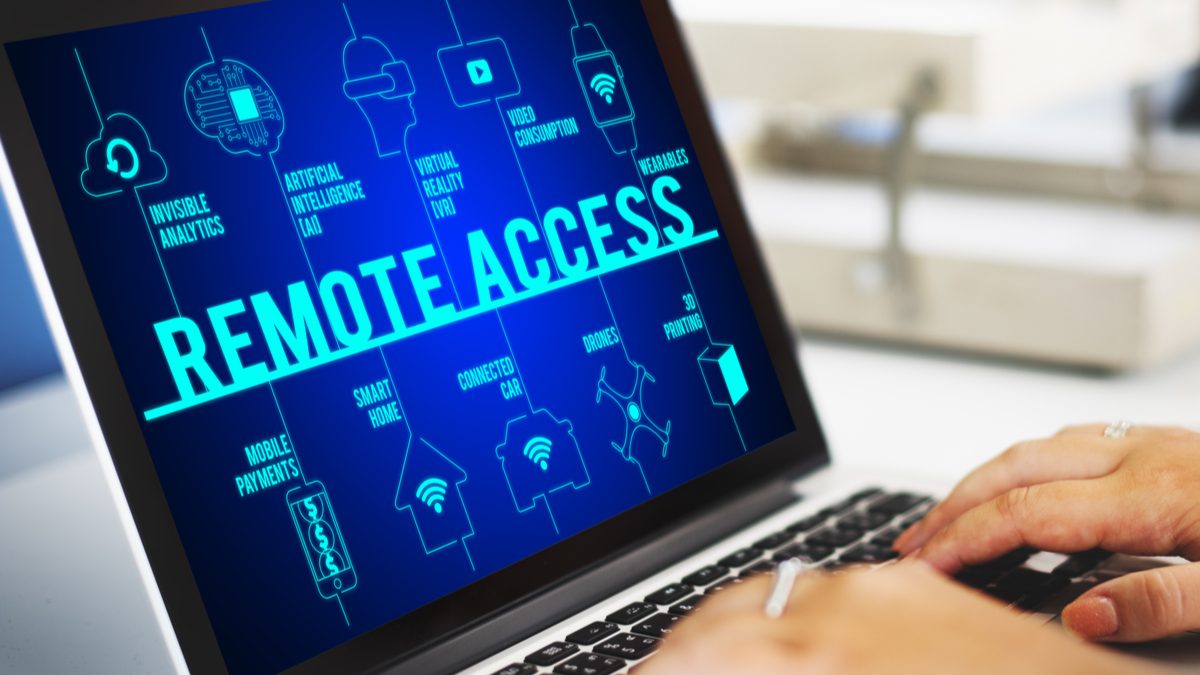
Every session uses an industry-standard remote access tool that creates an encrypted channel between your computer and ours. Sessions are one-time-use: once it ends, the connection is gone and cannot be reestablished without your involvement.
You see everything that happens on your screen. You can disconnect immediately at any point. We will never ask you for passwords over chat or email.
Read our Privacy PolicyWe write practical guides on topics that come up again and again in the sessions we run.

Troubleshooting
A straightforward guide to the issues that affect most home computers — and how to think about them before calling for help.

Security
Security does not require expensive software or technical expertise. These straightforward habits make a real difference.

Guidance
Remote support is a good fit for many situations — but not all of them. This article helps you decide before booking a session.
Five questions covering fundamentals that every computer user benefits from knowing.
The questions we hear most often before a first session.
Describe what is happening and we will get back to you within one business day to discuss the situation and schedule a session.